
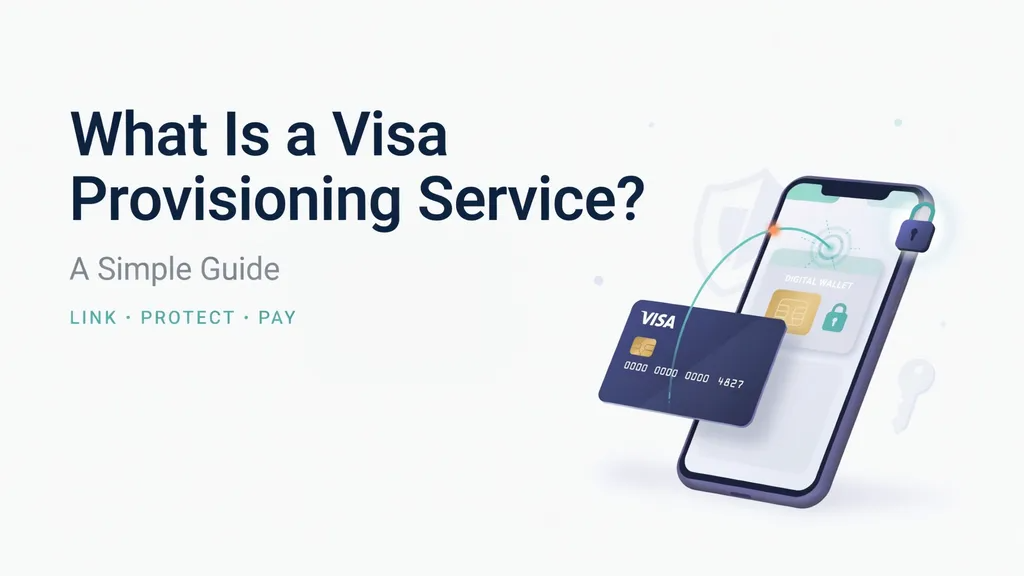

Have you ever added your bank card to your phone? It feels like magic when your phone pays for your coffee with a quick tap. Behind that magic is a system called a Visa Provisioning Service. This tool helps link your physical plastic card to your digital device.
When you set up a digital wallet, your phone does not store your actual card number. Instead, a visa provisioning service creates a safe digital code just for your phone. Think of it like a secret nickname for your bank card. This keeps your real financial details hidden from hackers and online stores.
Why Do You See Small Charges on Your Account?
Sometimes, people panic when they spot a strange charge on their bank app. They might see a tiny pending amount, like one dollar or even zero dollars. This temporary check happens because of the visa provisioning service doing its job.
Banks use this quick test to make sure the card is real and belongs to you. Do not worry if you spot this small check right after adding a card to an app. The visa provisioning service clears this temporary hold within a few days, and your money stays safe.
The Role of Tokenization in Mobile Payments
Security is the biggest priority when buying things online or in stores. This is where tokenization comes into play. A visa provisioning service takes your long sixteen-digit card number and swaps it for a secure token.
Even if a website suffers a data breach, thieves only get the useless random token. They never see your real account data. Using a visa provisioning service ensures that every single tap or online purchase uses a unique, encrypted code that cannot be reused by bad actors.
How Near Field Communication Powers the Magic
Have you ever wondered how your phone talks to the payment machine at the grocery store? It relies on a cool technology called Near Field Communication, or NFC.
When you activate a visa provisioning service, it pairs up with your phone’s built-in NFC chip. This chip lets your device send short-range radio waves to the cash register. The visa provisioning service handles the background communication instantly so your payment goes through without any cash or physical cards.
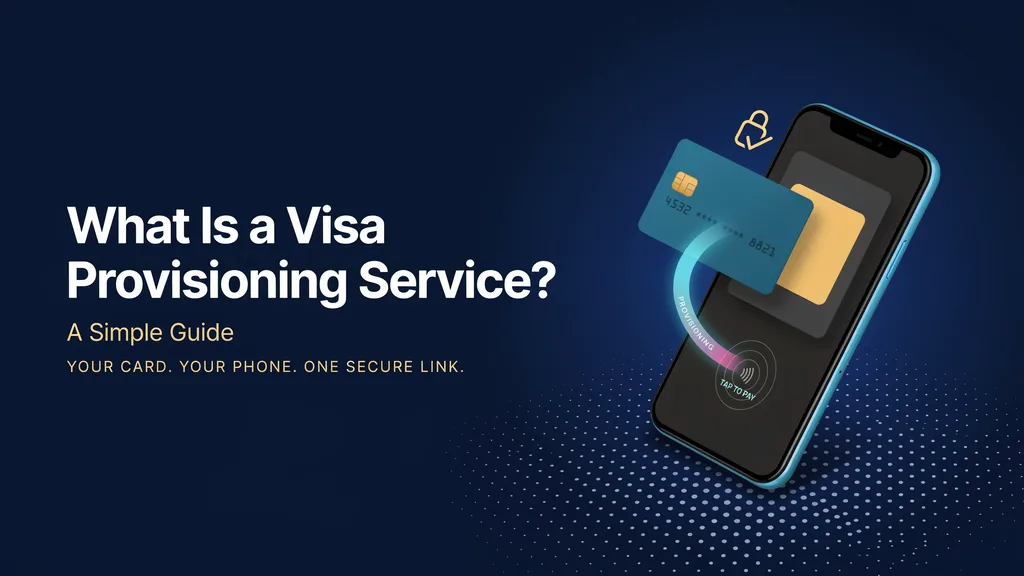
Steps to Set Up Your Digital Card Safely
Adding a card to your phone takes only a few minutes. First, open your mobile wallet app and tap the plus icon to add a new card.
Next, you can take a picture of your card or type in the details manually. The visa provisioning service will then contact your bank to confirm your identity. Your bank might send a text message with a secret code. Once you type that code in, the visa provisioning service finishes setting up your digital card for daily use.
Preventing Fraud with Smart Intelligence
Banks and payment networks work hard every day to stop credit card theft. Modern technology now includes smart tools to catch thieves early.
A visa provisioning service uses advanced machine learning to spot weird behavior. If a stranger tries to put your stolen card onto their own phone, the visa provisioning service looks at risk signals and can block the setup instantly. This extra layer of protection stops fraud before it even has a chance to start.
What to Do If Your Device Gets Lost
Losing your smartphone is a stressful experience for anyone. Fortunately, your money remains protected if you use digital wallets.
Because a visa provisioning service never stores your actual plastic card numbers on the device, a thief cannot steal your core account details. If your phone goes missing, you can log into your bank account online and pause the digital tokens managed by the visa provisioning service with a single click.
Common Myths About Mobile Wallet Security
Some people think that digital payments are less safe than carrying a thick leather wallet. In reality, modern tech is often much safer than traditional cash.
A common myth is that hackers can steal your card data just by walking past you with a scanner. However, the visa provisioning service requires your phone to be unlocked using your face, fingerprint, or passcode before any payment goes through. This means random strangers cannot charge your accounts while you walk down the street.
Managing Your Connected Devices and Cards
Over time, you might switch to a new phone or get a replacement bank card. Keeping your digital life organized is quite simple.
When you get a new phone, you must run through the visa provisioning service setup again for your new device. Whenever you close an old bank account or cancel a damaged card, the associated tokens inside the visa provisioning service expire automatically so no old links remain active.
Summary of Benefits for Everyday Shoppers
Digital payments change the way we buy groceries, clothes, and tickets. They save time and remove the hassle of digging through pockets for loose change.
Ultimately, a visa provisioning service acts as your invisible digital bodyguard. It bridges the gap between your bank and your favorite gadgets, ensuring that every tap is fast, smooth, and completely secure.
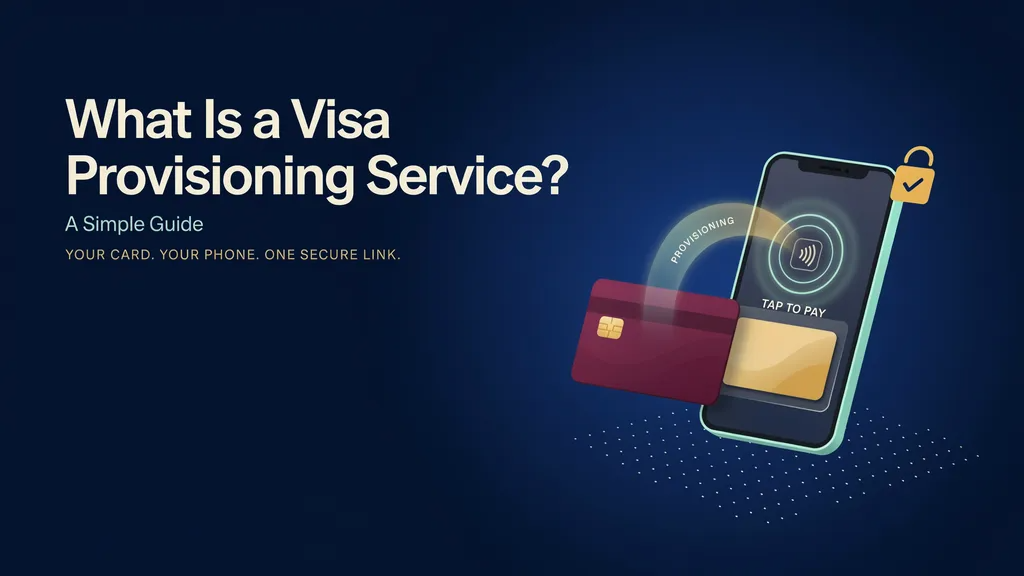
Detailed Overview Table
| Feature / Aspect | Description & Details |
| Primary Technology | Tokenization and Near Field Communication (NFC) |
| Core Function | Links physical bank cards securely to digital mobile wallets |
| Security Level | High; replaces 16-digit card numbers with encrypted random tokens |
| Common Indicator | Temporary $0.00 or small authorization charges on bank statements |
| Fraud Protection | Machine learning risk scoring to block suspicious token setups |
Frequently Asked Questions
What is a visa provisioning service charge on my bank statement?
It is a temporary authorization check when you link your Visa card to a digital wallet like Apple Pay or Google Pay. It disappears automatically within a few days.
Is my real card number saved on my mobile phone?
No. The system replaces your actual card number with a secure digital token to protect your private data.
Why did my bank decline my mobile wallet setup?
Banks check various risk factors during setup. If something looks unusual, the system might ask for extra identity confirmation via a text code.
Can I use this service on any mobile phone?
Your phone needs built-in NFC technology and a compatible digital wallet app to support these secure card connections.
What happens if my phone is stolen?
Your physical card details are safe because they were never on the phone. You can simply freeze or delete the digital tokens through your bank app.
Do I have to pay extra fees to use this technology?
No, using digital wallets and tokenization services is generally free for everyday consumers making standard purchases.
Conclusion
Embracing modern digital payments makes daily shopping easier and much faster. Thanks to tools like a visa provisioning service, you can leave your bulky wallet at home and pay with a simple tap of your phone. Try adding your card to a digital wallet today and enjoy a smoother, safer checkout experience!